Librebooking











⭐ Star us on GitHub — it motivates us a lot!
🔥 Join the community: Discord discussion channel .
Table of Contents
🚀 About
LibreBooking is an open-source resource scheduling solution. It provides a flexible, mobile-friendly, and extensible interface for organizations to manage resource reservations.
The repository for LibreBooking is hosted on GitHub at
https://github.com/LibreBooking/librebooking; the develop branch contains the latest
code.
LibreBooking is a fork of Booked Scheduler, based on Booked Scheduler’s last open-source version released in 2020. Since then, LibreBooking has evolved significantly and diverged from the original project.
✨ Features
[x] Multi-resource booking & waitlists
[x] DataTables for advanced listings
[x] Role-based access control
[x] Quotas and credits for reservations
[x] Granular usage reporting
[x] Responsive Bootstrap 5 interface
[x] Custom themes and color schemes
[x] Plugin-ready architecture
[x] Outlook/Thunderbird integration through ics
🧪 Demo
A live demo instance of LibreBooking is available for testing:
Role |
Username |
Password |
|---|---|---|
Admin |
|
|
User |
|
|
Note: This instance is public and resets every 20 minutes to ensure a clean environment. Startup might take a few seconds, so please be patient.
📸 Screenshots
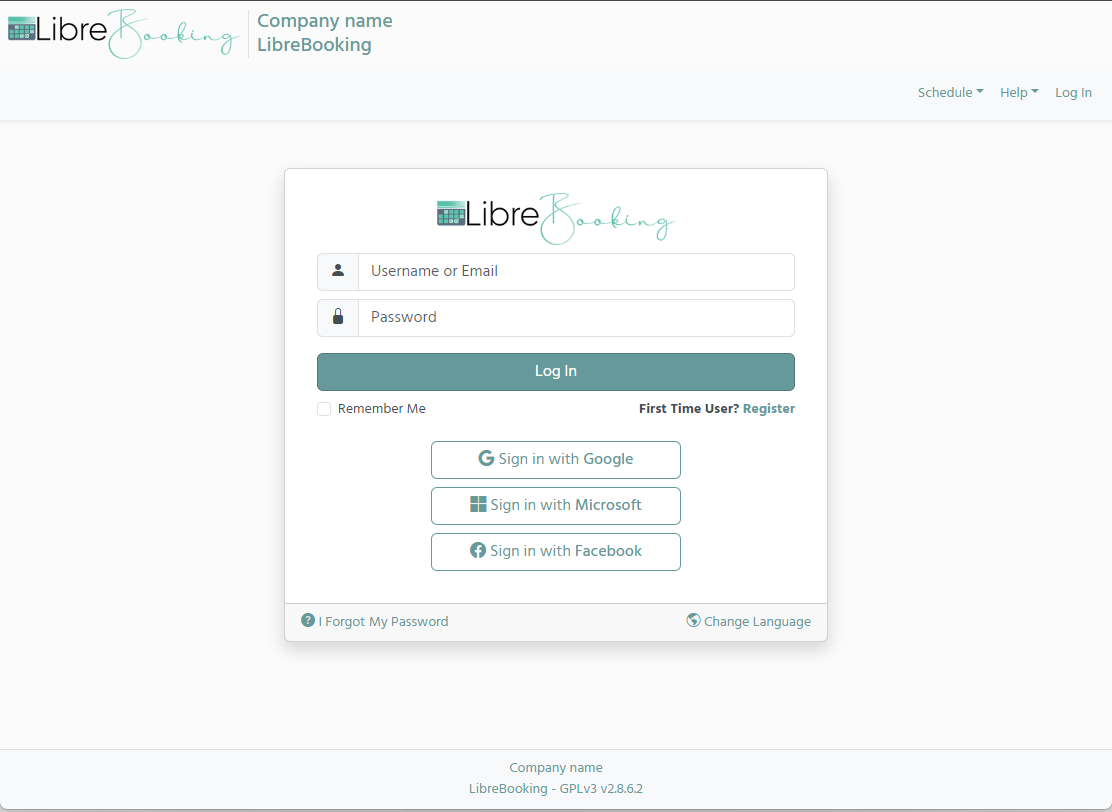
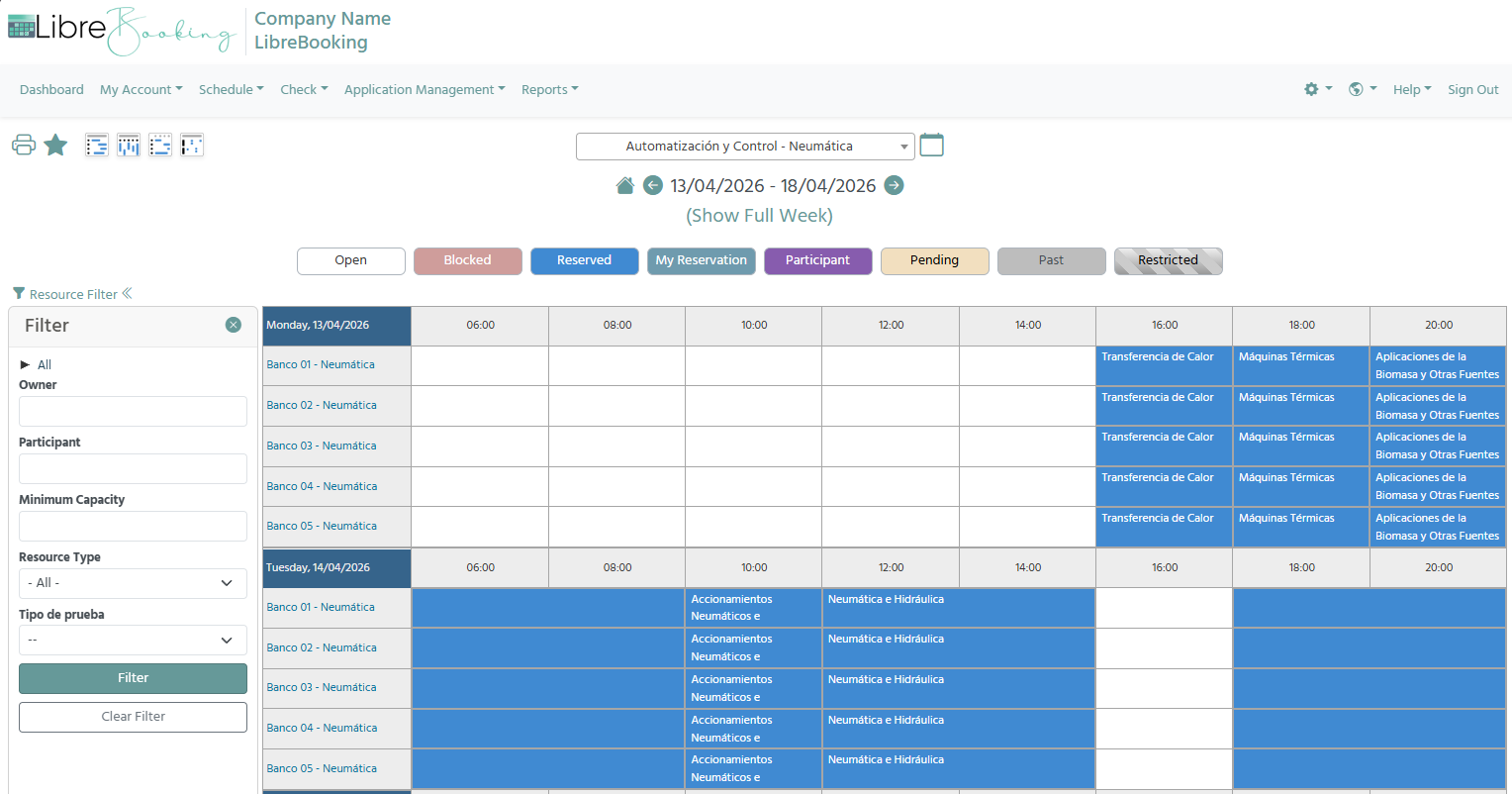
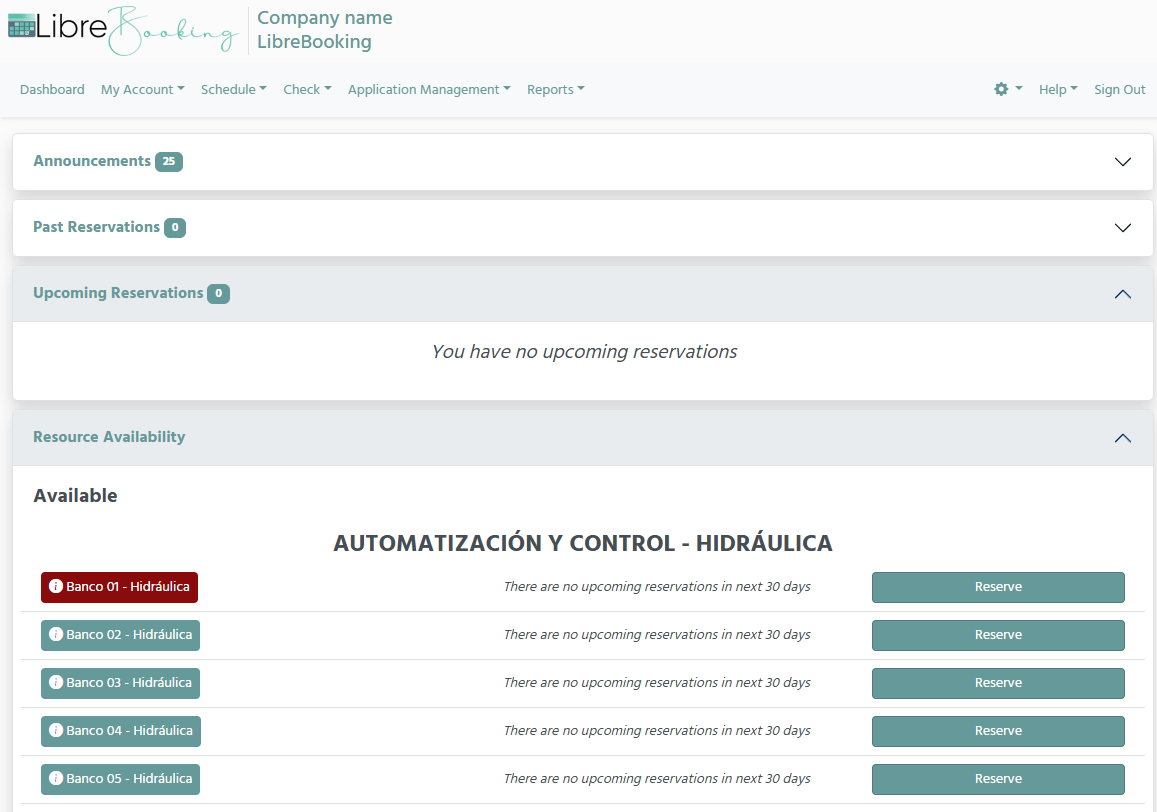
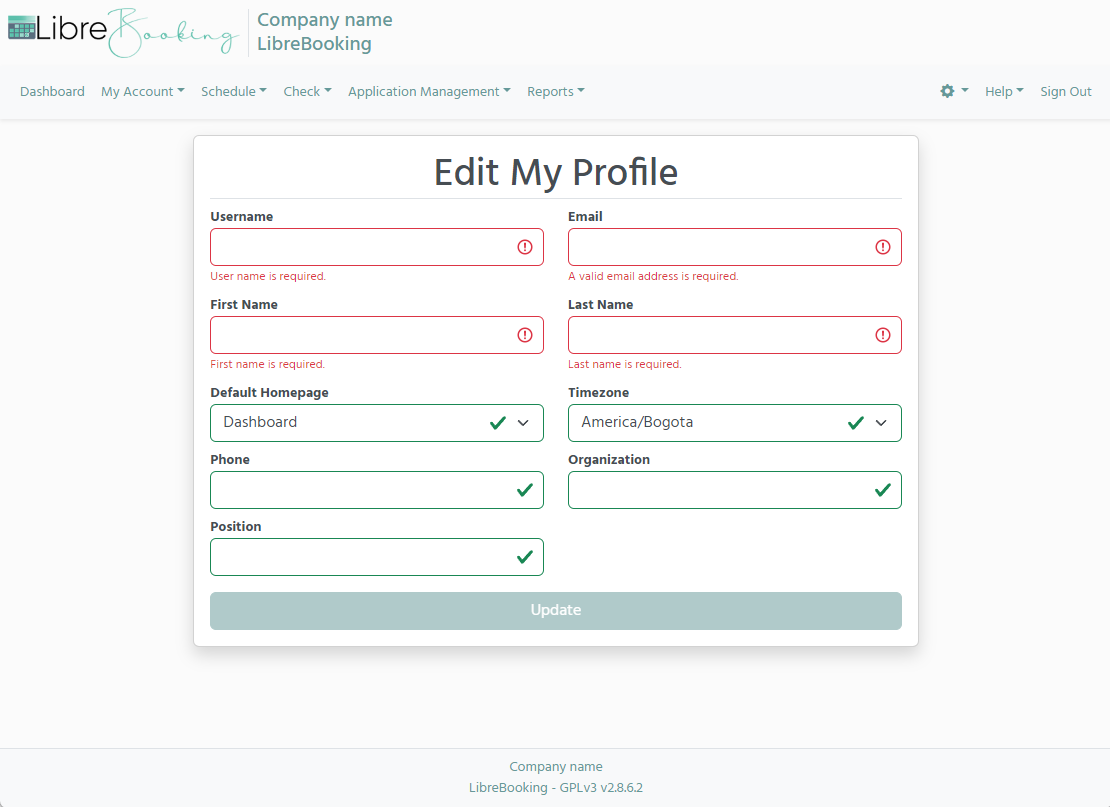
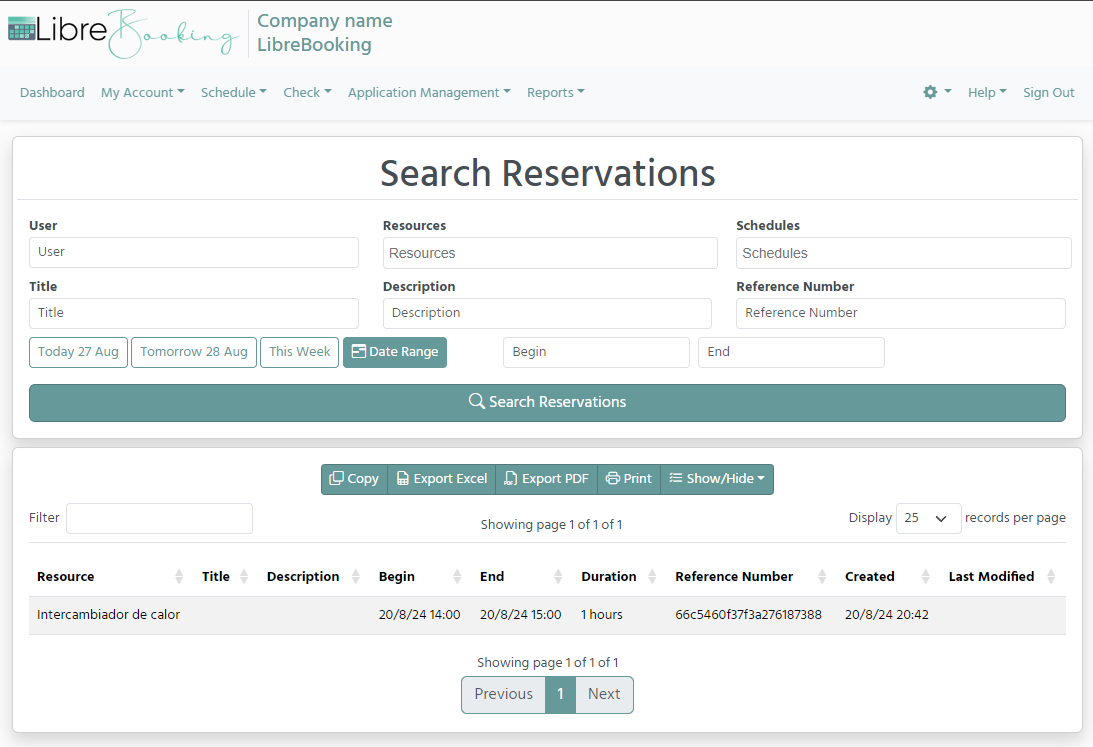
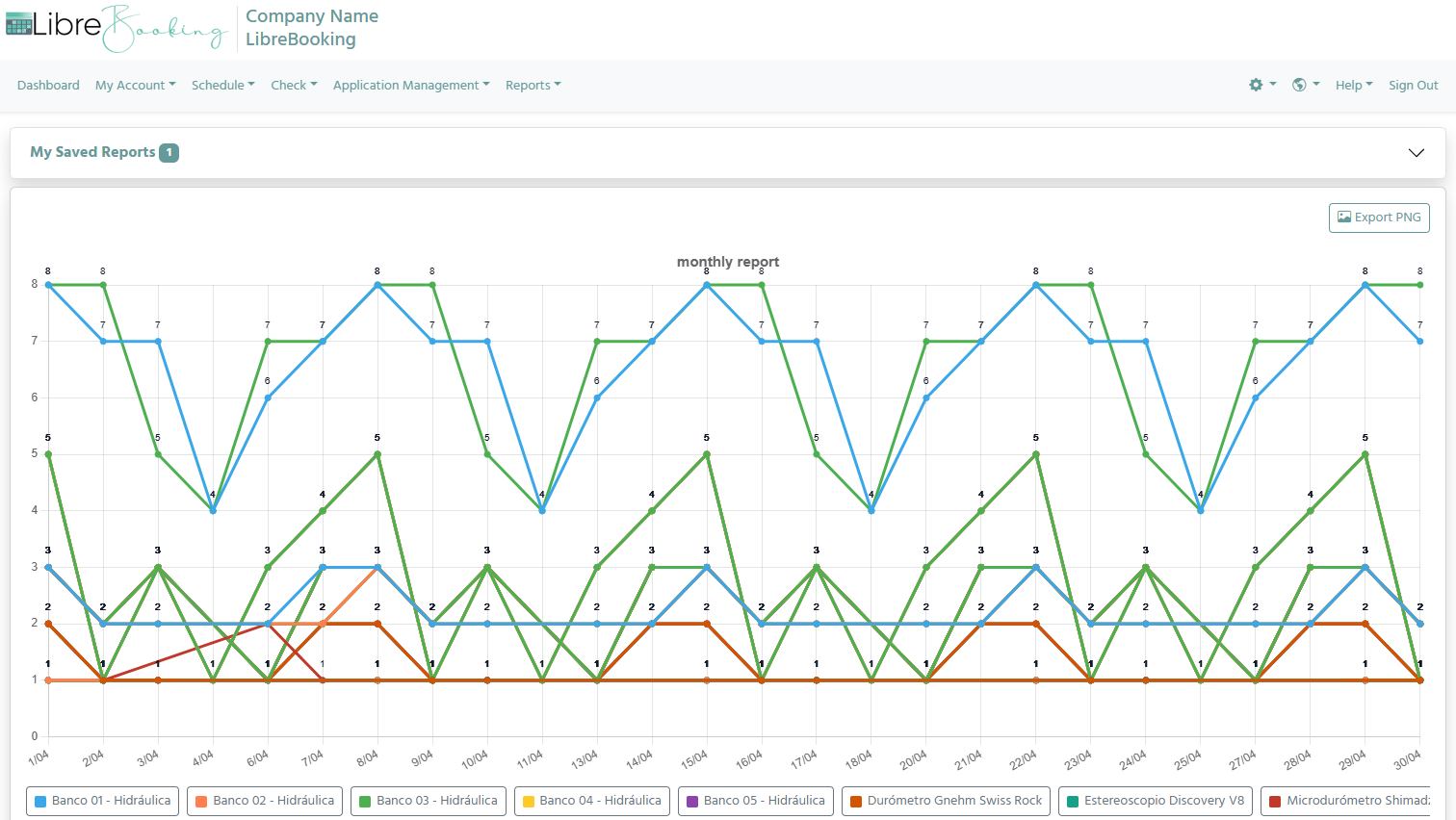
🔧 Installation & Deployment
Manual Installation
To run LibreBooking from a prebuilt release, your server needs:
PHP >= 8.2 with the extensions: ctype, curl, fileinfo, intl, json, mbstring, mysqli, openssl, pdo, pdo_mysql, tokenizer, xml
Optional PHP extensions: bcmath (needed for Active Directory authentication), gd (image processing), ldap (LDAP authentication)
A web server like Apache or Nginx
MySQL >= 8.0 (2018) or MariaDB >= 10.6 (2021)
Composer (for managing PHP dependencies)
Git (optional, useful for cloning the repository or managing updates)
For full setup instructions, see INSTALLATION
Docker Deployment
LibreBooking is available as a Docker container. See LibreBooking Docker README for complete setup.
git clone https://github.com/LibreBooking/docker.git
cd docker
docker-compose up -d
💻 Developer Documentation
See docs/source/README.md for developer notes.
See docs/source/API.rst for API notes.
See docs/source/Oauth2-Configuration.rst for Oauth2 configuration.
See docs/source/SAML-Configuration.rst for SAML configuration.
Codebase follows PSR-12 standards and GitHub Flow.
🎨 Configuration & Theming
For configuration options, see the Configuration Guide.
Recent configuration highlights:
Change theme via
config.php:'css.theme' = 'default';Theme options: ‘default’, ‘dimgray’, ‘dark_red’, ‘dark_green’, ‘french_blue’, ‘orange’
Customize
Web/css/librebooking.css
🔒 ReCaptcha
As of 09-Mar-2023, ReCaptcha integration updated to v3. Generate new keys for your domain if using ReCaptcha.
💬 Community & Support
🤝 Contributing
Fork, file issues, suggest improvements.
Even non-coders can help by reporting bugs, testing, updating issues.
PRs welcome (docs, features, refactoring, fixes).
See CONTRIBUTING.md
💡 Roadmap
Work in progress – roadmap to be defined.
Want to suggest a feature? Open an issue or join the Discord discussion channel.
📜 License
This project is licensed under GPL-3.0.
🙏 Acknowledgments
Forked from Booked Scheduler. Thanks to all contributors and the community.
LibreBooking documentation
Table of Contents:
- LibreBooking Installation
- Configuration Overview
- Basic Configuration
- Docker Installation
- Advanced Configuration
- Environment Variable Override
- Custom Footer Version Display
- Maintenance Mode
- Application Advanced Settings
- Frontend Advanced Settings
- Advanced Email Configuration
- Logging Configuration
- File Upload Settings
- Notification Settings
- Schedule Display Settings
- Reservation Behavior
- Reservation Label Templates
- Reports Settings
- Advanced Registration Settings
- Resource Settings
- Tablet View Settings
- ICS Calendar Settings
- Data Cleanup Settings
- Advanced Privacy Settings
- Advanced Security Settings
- reCAPTCHA Advanced Settings
- Credits System
- Analytics Integration
- Third-Party Integrations
- Authentication Providers
- Plugin System
- API Configuration
- Performance Tuning
- Troubleshooting
- Frequently Asked Questions
- Why do I get a white page, HTTP 500, or
Unknown Errorafter install or upgrade? - Why does LibreBooking fail with
Class "Smarty" not found? - Which URL should I use for the installer?
- Why do my URLs redirect to
/Web/Web/? - What account do I use to sign in right after installation?
- How do I hide reservation details from other users?
- Why does LDAP authentication fail after migrating from older versions?
- How do I configure Microsoft Entra ID / Azure AD login?
- Can LibreBooking automatically create external-auth users and route them to the right schedule?
- What is the correct order for a manual database installation or upgrade?
- How should I approach a shared-hosting or cPanel deployment?
- Why do I get a white page, HTTP 500, or
- Developer Documentation
- Custom Plugins
- LibreBooking API Documentation
- LDAP Authentication
- Active Directory Authentication
- Oauth2 Configuration
- SAML (Security Assertion Markup Language) Configuration
- CHANGELOG
- v5.2.0 (2026-07-03)
- v5.1.0 (2026-06-07)
- v5.0.3 (2026-06-03)
- v5.0.2 (2026-05-04)
- v5.0.1 (2026-05-03)
- v5.0.0 (2026-05-03)
- v4.3.0 (2026-04-03)
- v4.2.0 (2026-03-03)
- v4.1.0 (2026-02-05)
- v4.0.0 - 2025-08-06
- v3.0.3 - 2025-07-09
- v3.0.2 - 2025-07-07
- v3.0.1 - 2025-06-25
- v3.0.0 - 2025-06-24
- v2.8.6.2 - 2024-08-18
- v2.8.6.1 - 2023-09-26
- v2.8.6 - 2023-04-18
- v2.8.5.5 - 2022-02-11
- v2.8.5.4 - 2021-09-03
- v2.8.5.3 - 2021-03-10
- v2.8.5.2 - 2021-01-25
- v2.8.5.1 - 2020-11-11
- v2.8.5
- v2.8.4
- v2.8.3
- v2.8.2
- v2.8.1
- v2.7.8
- v2.7.7
- v2.7.6
- v2.7.5
- v2.7.4
- v2.7.3
- v2.7.2
- v2.7.1
- v2.6.8
- v2.6.7
- v2.6.6
- v2.6.5
- v2.6.4
- v2.6.3
- v2.6.2
- v2.6.1
- v2.6
- v2.5.21
- v2.5.20
- v2.5.19
- v2.5.18
- v2.5.17
- v2.5.16
- v2.5.15
- v2.5.14
- v2.5.13
- v2.5.12
- v2.5.11
- v2.5.10
- v2.5.9
- v2.5.8
- v2.5.7
- v2.5.6
- v2.5.5
- v2.5.4
- v2.5.3
- v2.5.2
- v2.5.1
- v2.5
- v2.4.2
- v2.4.1
- v2.4
- v2.3
- v2.2
- v2.1
- v2.0.2
- v2.0.1
- v2.0
- History
- GNU General Public License